You’ve created a 3D model and now you want to print it. But before hitting “Send,” it’s important to make sure your file is properly prepared. Here’s a quick and easy guide to help you get your design print-ready:
1. Export the Right File Type Stick to .STL (Standard Tessellation Language) or .OBJ formats — they’re widely used and compatible with most slicing software.
2. Check for Errors Make sure your model is “watertight” — no holes or non-manifold edges.
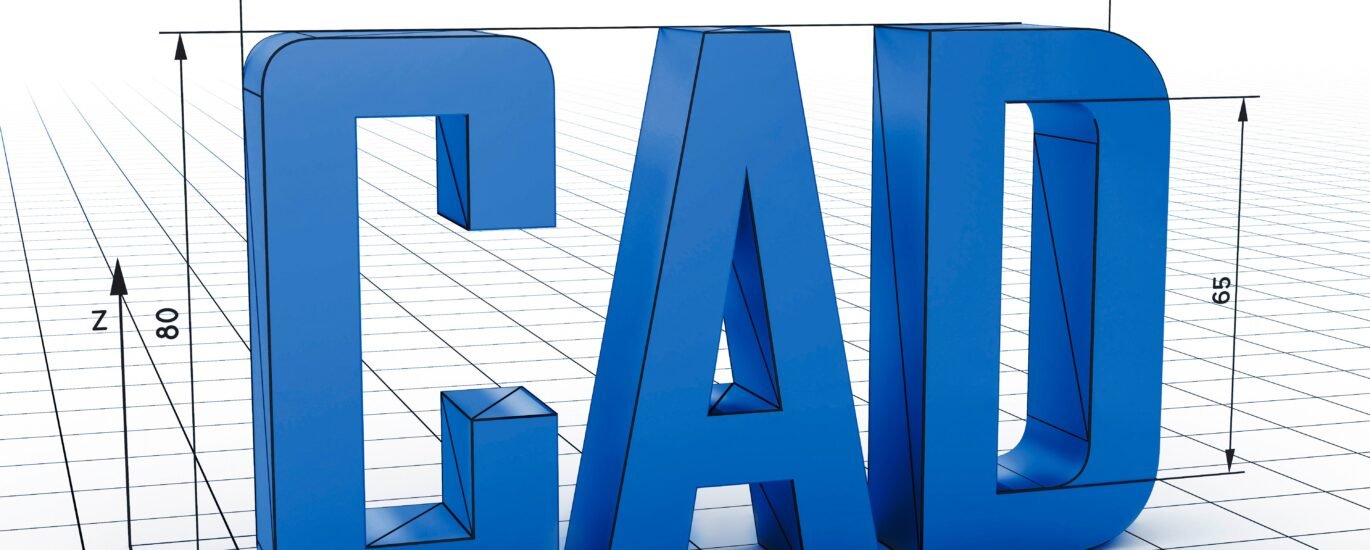
3. Scale it Properly Double-check your model’s dimensions.
4. Keep It Simple (If You’re New) If this is your first print, avoid overly complex or hollow designs. Start with something solid and compact.
5. Ask Us For Help Not sure if your file is ready? We offer free model reviews to make sure your print comes out right the first time.
Need help converting your file? We’ve got your back.